Workflow and trouble shooting solutions for SDHC memory cards and MxML
- Always wait for the red light to go green before pressing record. Equally, when the user stops recording, he or she waits again for the light to go green before restarting recording. The same principle applies when the user would like to preview the footage after recording, he or she must wait for the green light prior to activating recording review mode.
- In regards to using 32GB and in case you can’t reformat the card on your consequetive attempt, again, please don’t panic, just reinsert it into the camera and follow the instructions on the screen.
- Never unplug the card from the laptop or PC without firstly un-plugging it from the software, using the “Safely remove hardware” option.
- When using laptops or PC memory slots, always make sure it is SDHC compliant to transfer your footage to your hard drive.
- On the rare occasion, when you get a media error during recording, just please calmly reinsert the adapter into the camera and follow the instructions on the screen to restore the data.
- As a safety precaution, always try to have your A and B slots occupied with recording media during production.
- Do not eject SDHC memory card from the adapter while still in the camera. We have known cases where the memory card will become damaged over time.
- Reformatting memory cards after each shoot is not always necessary. Constant formatting will reduce the life of your memory card. Simple deletion of footage either on camera or through Sony’s clip browser is sufficient.
- Sony’s clip browser is highly recommended to use in transfer or archiving footage on PC or Apple Mac based systems. Not using the clip browser can result in corrupted media.
Available media for Sony EX1/EX3/EX1R/PMW350
- Sony SXS Pro: 8GB; 16GB and 32GB. PCIe Expresscard34 adapter. This is not compatible with any USB interface. It can write and read at approx. 100 MBs. It can only be used on laptops with a PCIe express slot or with Sony’s SBAC-10 reader and requires a driver to be installed on your laptop, Mac or PC for it to be recognised. Can record at all modes including full over cranking. It is very good technology but very pricey.
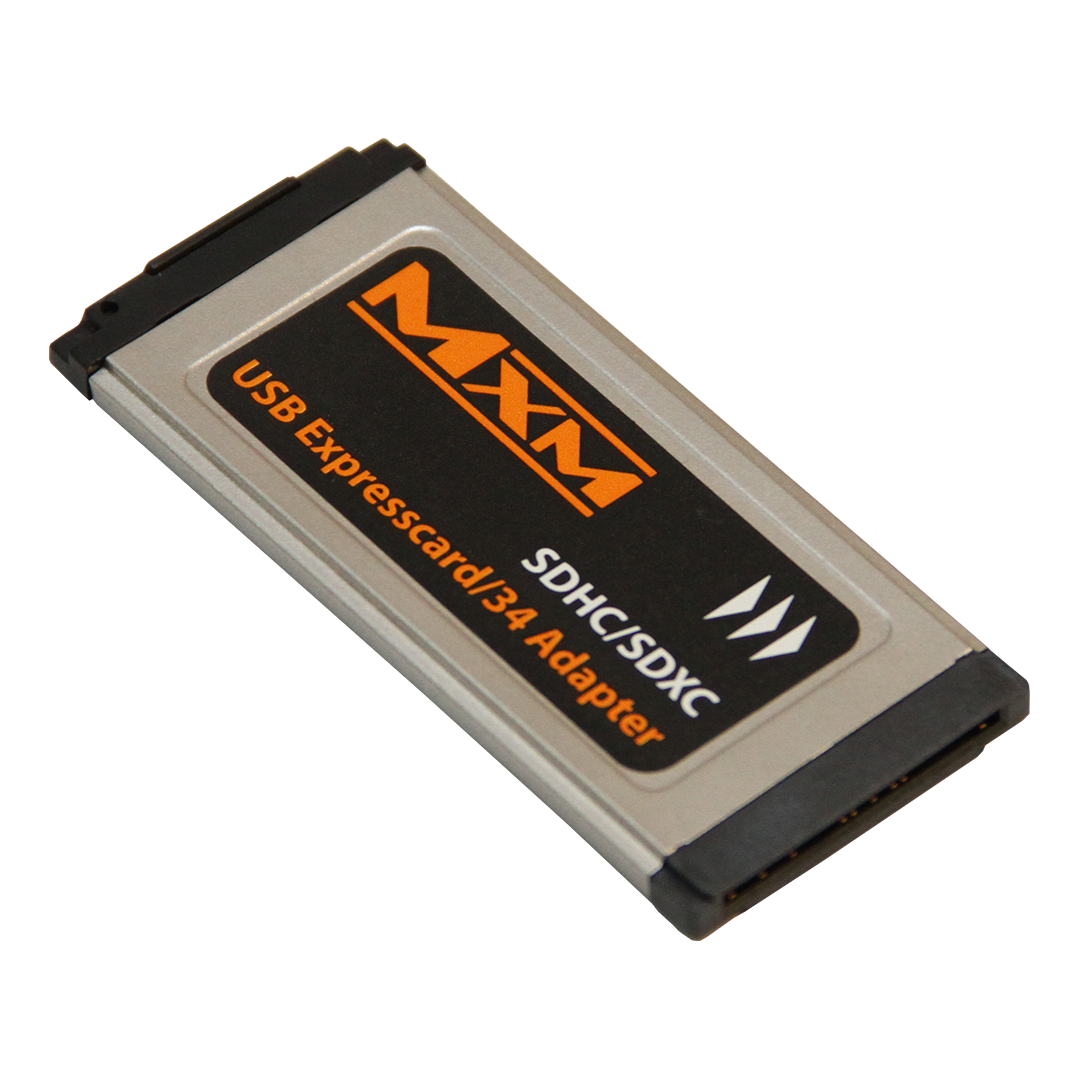
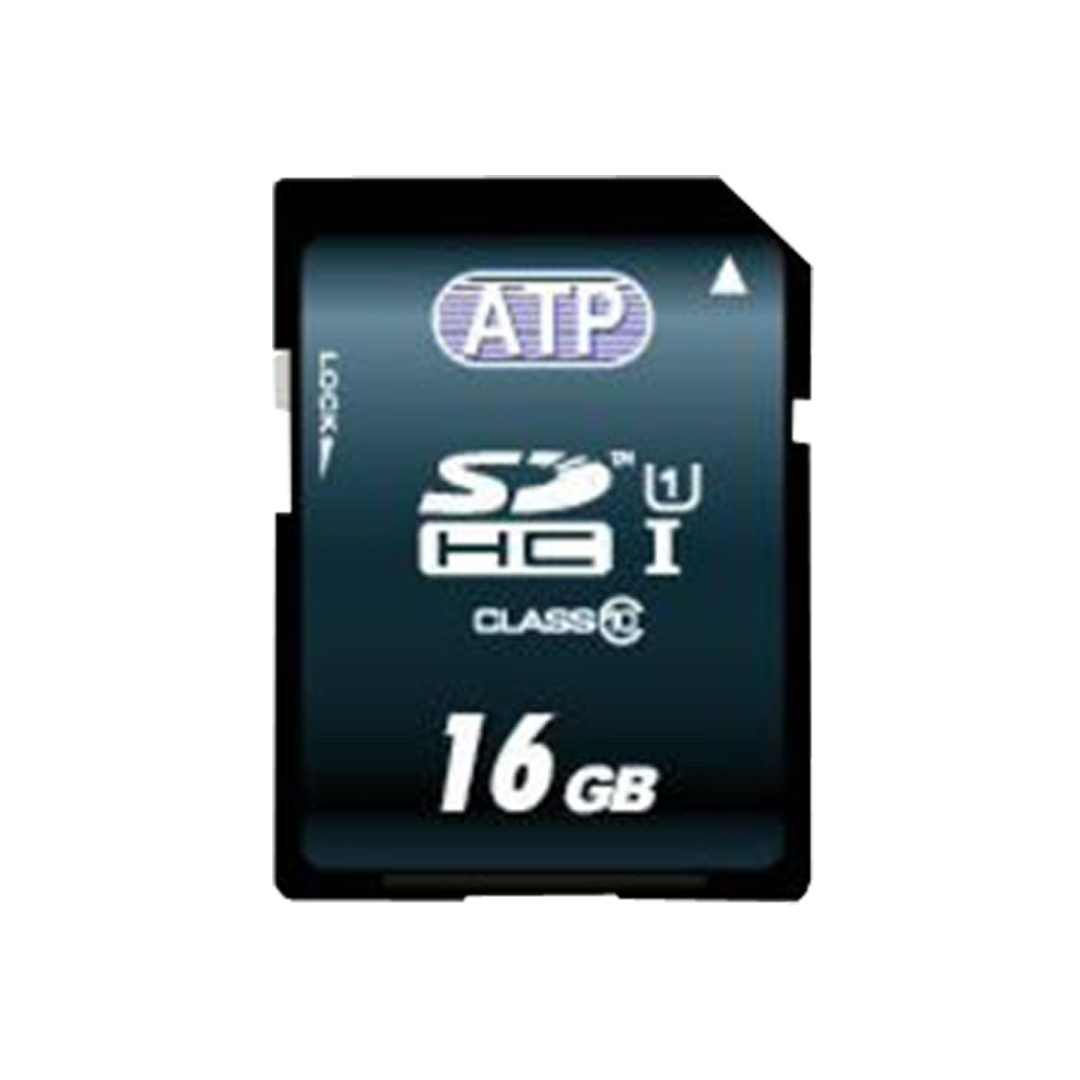
- MxML/Hoodman which is USB 2.0 Expresscard34 adapter. It can be used on Expresscard34 slots on laptops, Macs and PCs, or can be used with any external USB 2.0 Expresscard34 adapter which needs to be connected to your laptop, Mac or PC. It is a 2 part system which consists of a card reader and SDHC memory card. It runs successfully with tested memory cards. It is not compatible with PCIe express interface. It is not compatible nor can be used in Sony’s SBAC-10. It is USB 2.0 Expresscard34 only.